
We used to offer a large array of separate Map Tools, each with its own data sets. On the new platform they've been consolidated into one Map — the Precision Market Tracker — that covers data from the State level all the way down to the ZIP level. You change the indicator and the geography level right on that one screen instead of opening a different tool for each.
Opening the Map
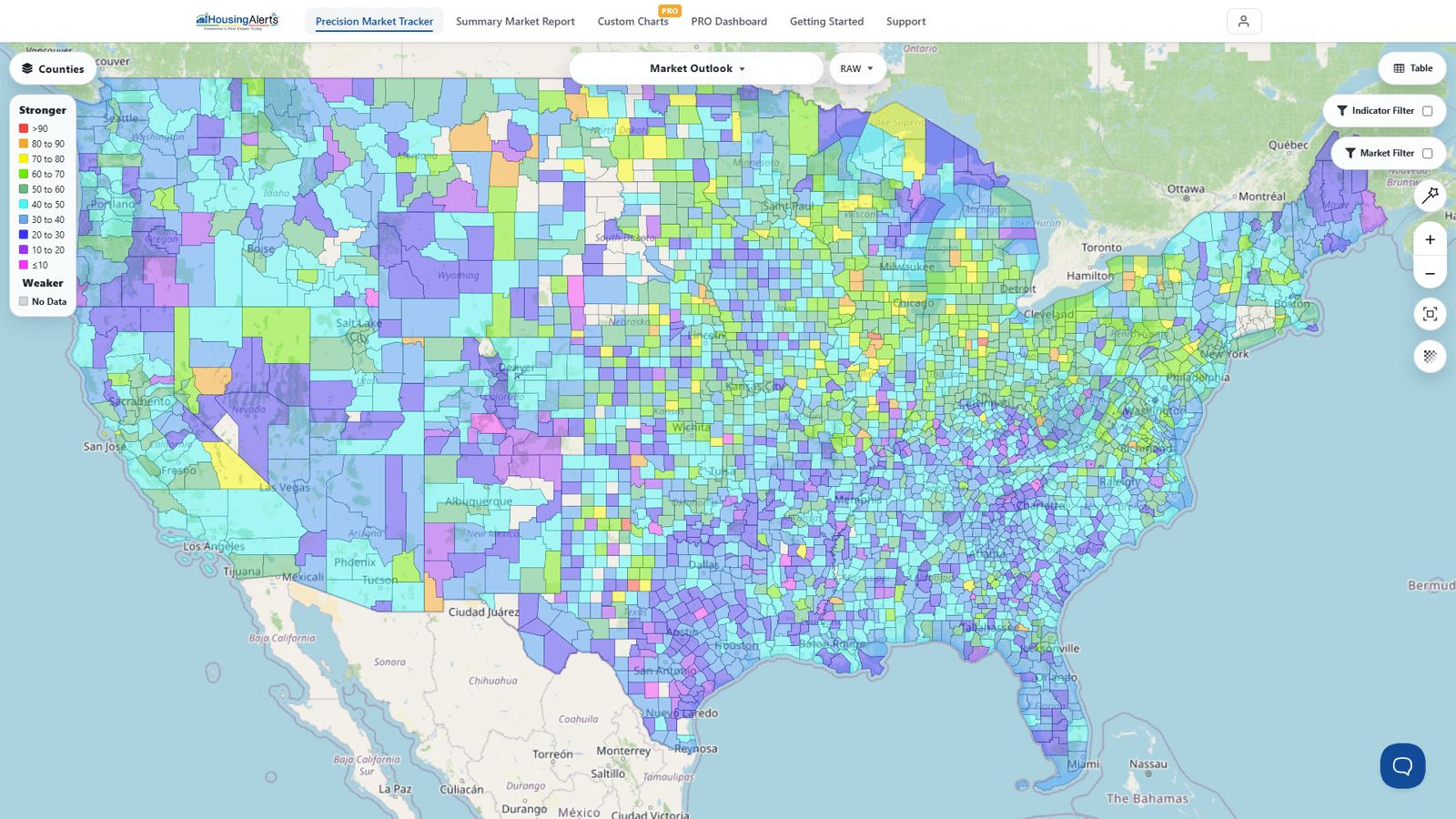
The Precision Market Tracker is the Map — it's the main tools screen. You no longer pick a specific map from a "Maps" menu; you land on the Map and configure it.
Using the Map
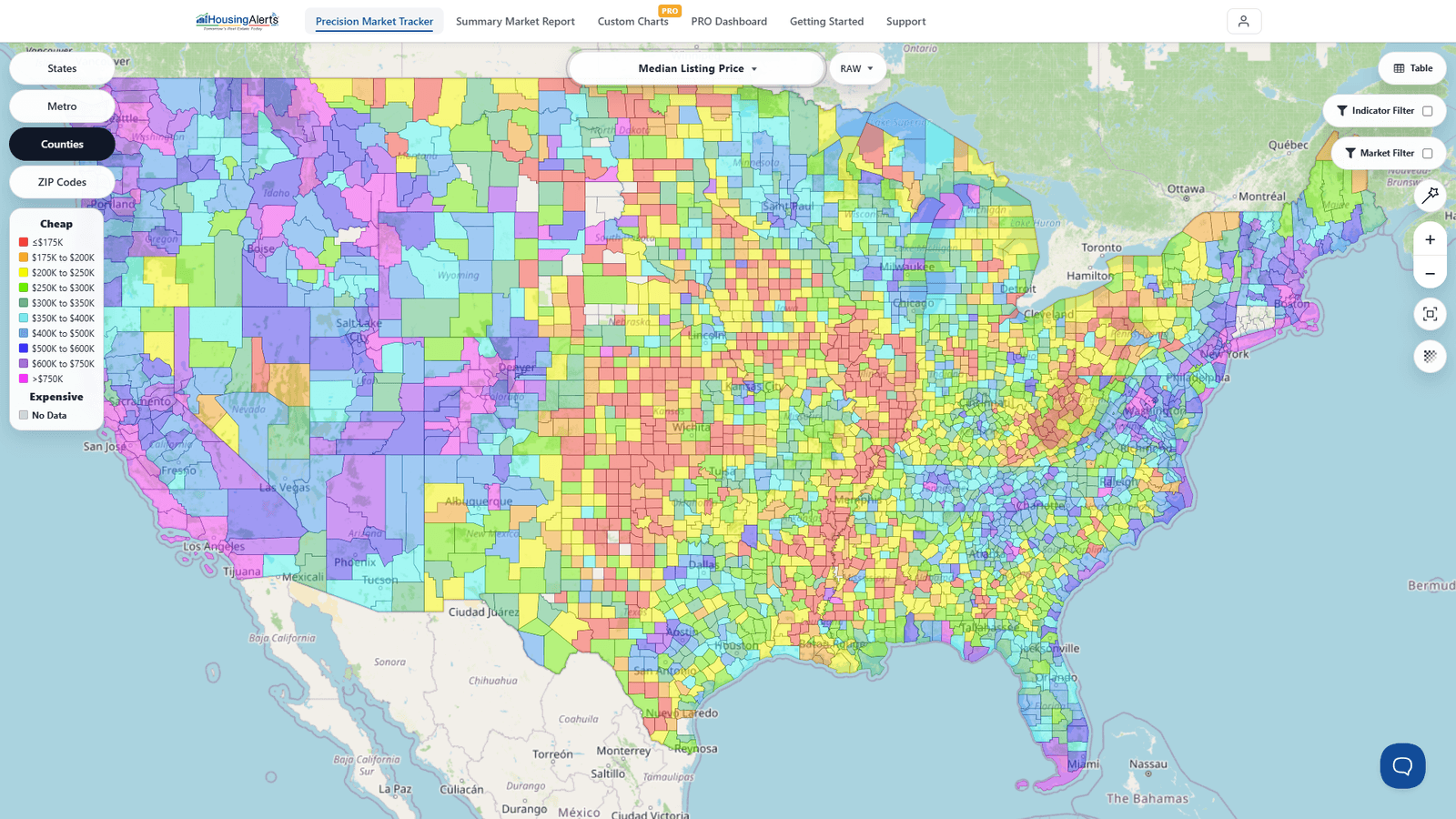
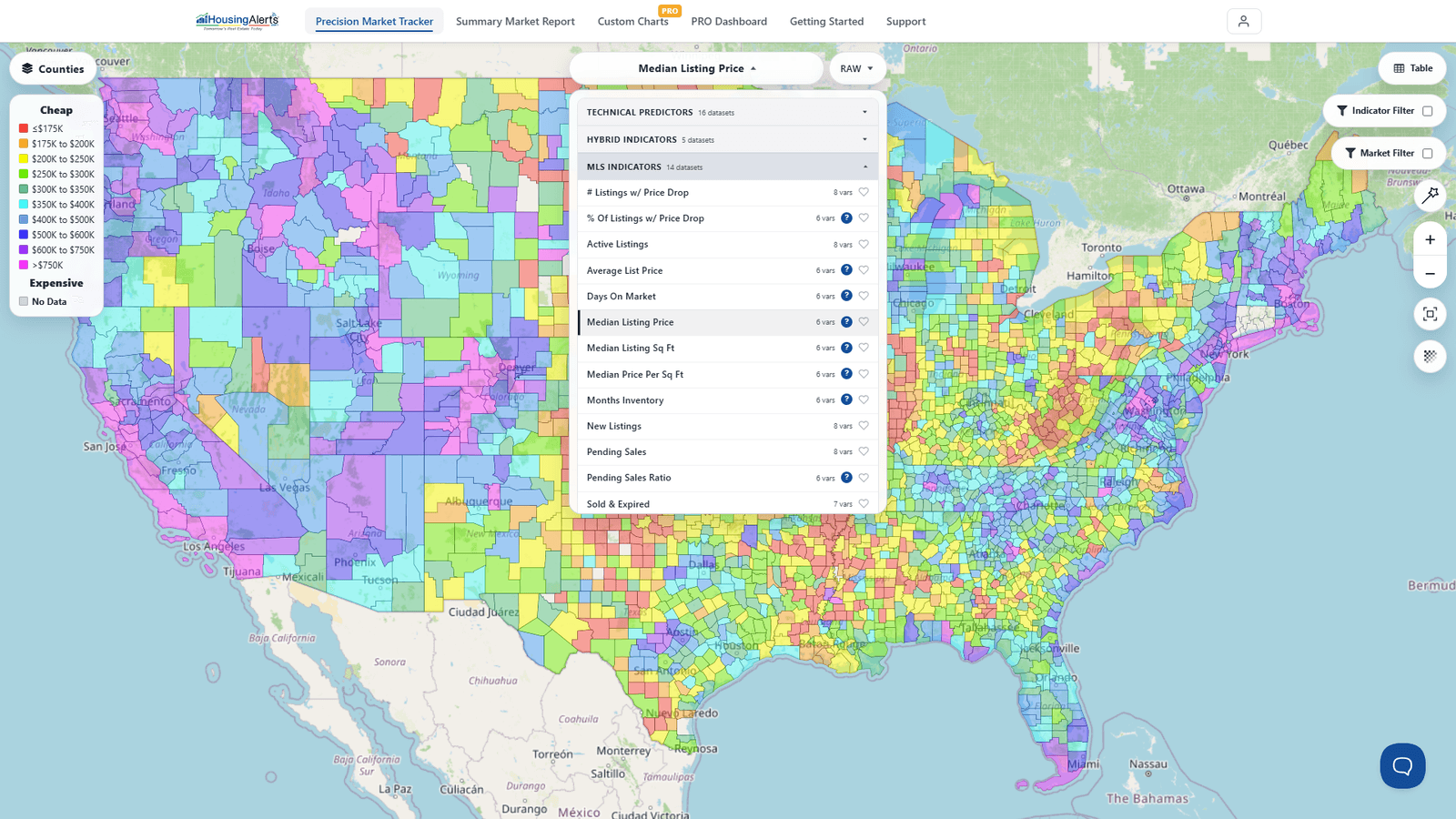
- Choose your indicator with the dataset picker at the top — e.g. Market Outlook, appreciation, cash flow, or any other indicator. Each indicator has its own scale and title.
- Choose the version with the RAW / PCT toggle (see "Numbers" below).
- Read the Legend/Key on the left — it maps each color band to a score range.
- Zoom with the +/– buttons or your mouse wheel; use the recenter/zoom-to-fit control to snap back to the whole USA.
- Switch geography level with the level selector — State → Metro → County → ZIP — to move from macro markets down to micro-markets on the very same map.
- Filter with the Market Filter / Indicator Filter to focus on a specific state, metro, or score range.
What do the Numbers and Colors mean?
The Numbers. Most indicators offer a RAW and a PCT (Percentile) version:
- RAW ranges from 0 (weakest) to 99 (strongest) and measures absolute performance.
- PERCENTILE (PCT) also runs 0 to 99, but measures a market's relative performance versus all other markets for that indicator. A "90" means the market outscored 90% of all markets.
The Colors. The Map is a full best-to-worst heatmap spectrum, not a two-color red/green scheme. Per the on-screen Legend, the strongest markets are the warmest colors at the top of the key (red → orange → yellow), the mid-range runs through the greens and cyans, and the weakest markets are the cool colors at the bottom (blues → purple → magenta). Markets with no usable data are shown in grey ("No Data"). Each indicator keeps its own scale, but the rule of thumb is the same: warmer/higher = stronger, cooler/lower = weaker.
Before you get started… Micro vs. Macro Markets
An individual ZIP code is not a market — it's a sub-market (micro-market) that strongly trends along with its parent city/metro-level market. Always search in this order:
- Locate a strong Macro (Metro/City-level) market.
- Then, and only then, drop to County or ZIP to drill down for the relatively stronger micro-markets inside it.
Don't START at the micro level (unless you've intentionally limited yourself to a single city). You'll generally do dramatically better in a strong metro (even with a mediocre micro-market) than in a weak metro (even with a red-hot micro-market). In a hot macro market, a rising tide lifts all boats; in a weak one, sub-markets rarely fight the tide for long.
Insufficient data & statistical "noise"
As you shrink a market's geographic size (City → County → ZIP), you get fewer home-sale transactions per period. You need a minimum of about 25 transactions for a usable sample size. Micro-markets with fewer than 25 transactions don't have enough usable data and are not shown in color ("No Data"). Sparsely populated rural areas account for most of these, but you'll also see it in dense urban cores where high land values mean fewer home sales and more commercial real estate.
Smaller markets can also carry more statistical noise (like flipping a coin 3 times, getting heads each time, and wrongly concluding coins always land heads — too small a sample). Noise tends to increase from State → Metro → County → ZIP depending on how many homes actually sold, which is why you read micro-markets alongside their parent metro rather than in isolation.