
Question: In the Metro Maps I noticed the map shows where housing prices are rising and falling but doesn't give detailed info about which towns or cities are in those areas with the various color codings. How can I pinpoint the cities or other localities where prices are rising?
Answer: On the new platform this is much easier — the old separate "Metro Maps" and "D.R.E.A.M." tool are now the single Map inside the Precision Market Tracker, and every shaded market is directly clickable.
- Hover or click any colored market on the Map and it identifies the specific Metro, County, or ZIP — no separate "city boundary" lookup required.
- Switch the geography level (State → Metro → County → ZIP) to zoom from broad regions down to the exact localities where prices are rising.
- Use the Market Filter to focus on a state, then read the strongest markets off The Table.
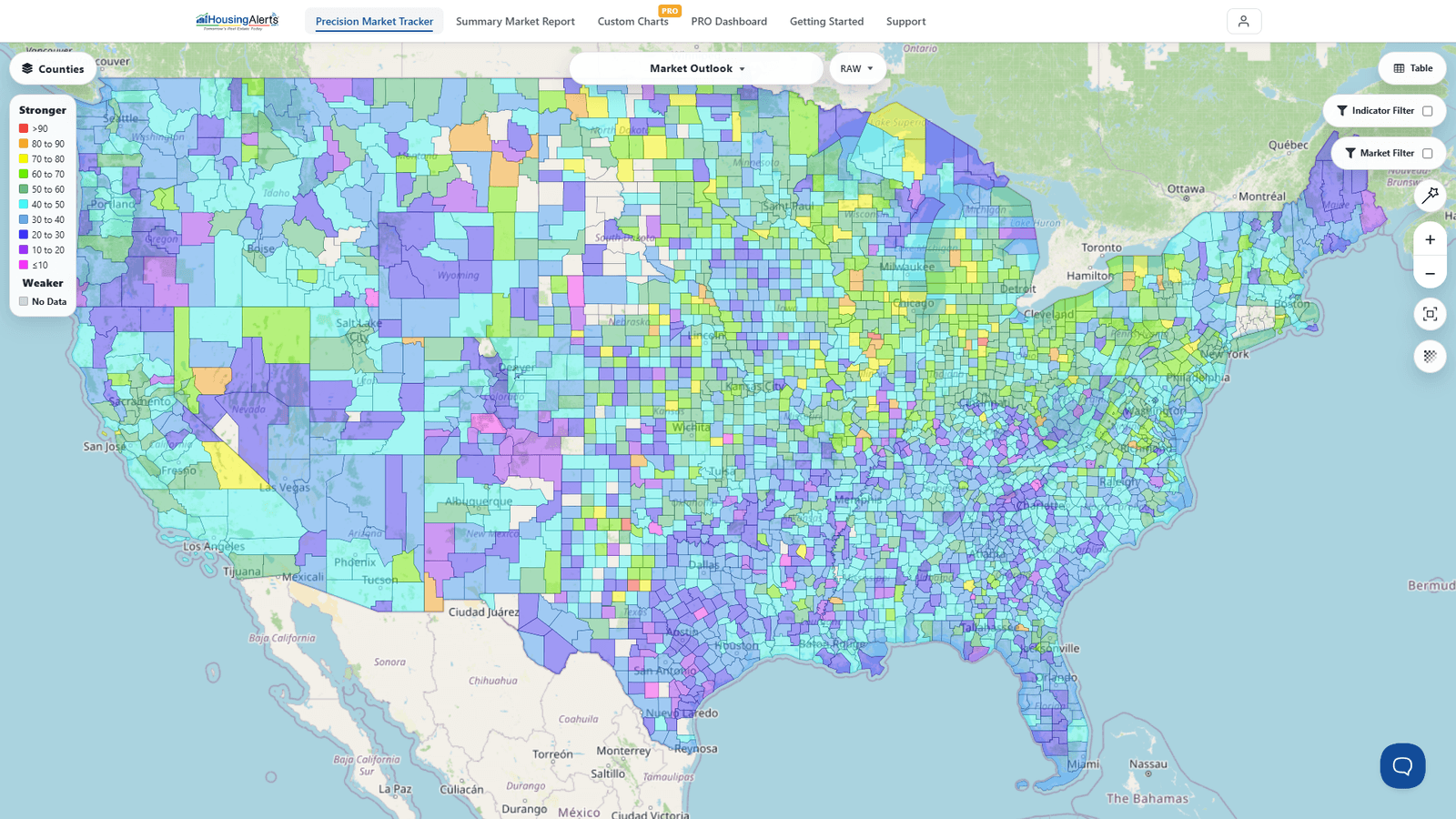
Remember, the Map is a filter: use it to find markets of interest, then the real answers come from each market's charts and Market Summary Report. Once you find a rising market, open its Full Report to confirm momentum, strength, and wealth phase before acting. (See also: Investing in Small Towns in Rural Areas and Home By Home Price Data.)