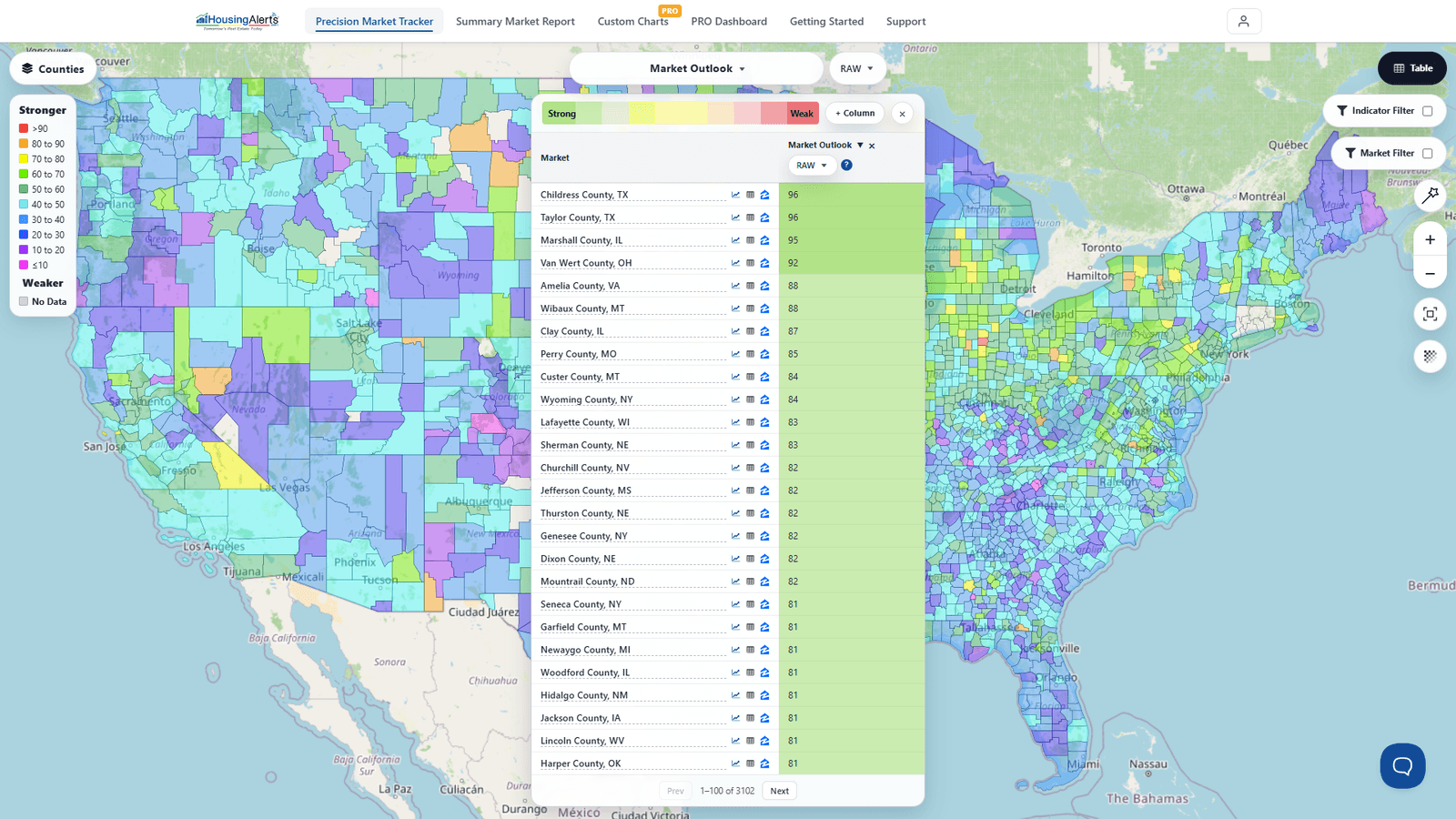
To analyze a specific city in depth, use the Market Summary Report — search the market by name and read its Market Outlook, strategy scores, and (in Advanced Mode) its S.T.A.R./T.A.P.S. detail.
If instead you just want to see where a specific city falls in the ranking, use The Table in the Precision Market Tracker:
- Clear any active strategy preset / filters so you're ranking the full field.
- Pick the indicator to rank by from the dataset picker — e.g. the Market Outlook Score (the modern "Master" ranking), or a strategy/appreciation indicator.
- Open The Table; it lists every market, sorted best-to-worst. Click a column header to change the sort.
- Find your specific market — scroll, or use the Market Filter to narrow to that market's state/metro, or your browser's Find on page.
- Click the market's row to Open Full Report for the deep dive.