
Question:
Is there a default/average/best quarter looking back ratio to use when using the moving averages #1 and #2? Depending on the length of time I look back will give me a different graph (green line/red line cross over). Is this true, where am I going wrong?
Answer:
You're not doing anything wrong. The graphs should show different crossovers when you use different moving-average periods — that's exactly how they're supposed to behave.
After extensive back-testing, we found that if you had to pick just one set of moving averages, the 10 & 20 combination is the best "overall" fit for most markets. That's why it's the default behind the Wealth Phase Chart in the Market Summary Report.
But there's no reason to pick just one set for ALL markets. Some markets move faster (like San Diego) and reward shorter time frames. The way to tell is to see which combination of moving averages best predicted that specific market's prior trend changes — you can test that directly in Custom Charts PRO using the Moving Avg 1 and Moving Avg 2 overlays.
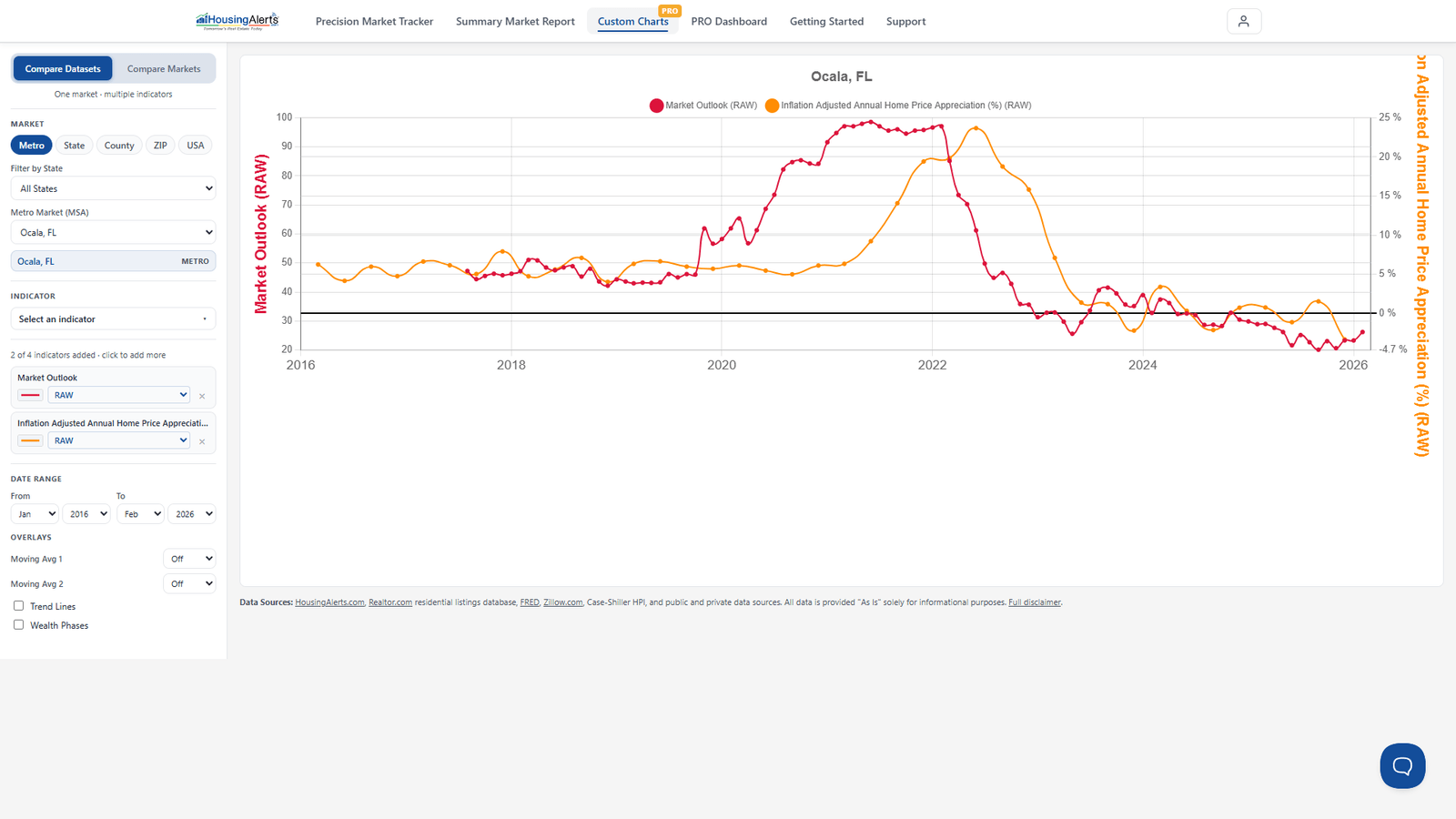
However, more important than fine-tuning the moving-average time period is to look at all six or seven moving-average decision triggers, not just the "crossover." In volatile markets, using ONLY the crossover can leave a lot of money on the table. The crossover is the easiest trigger to follow, but it's only one of six.
Practical guidance
- Start with the default 10 & 20 — it's the best all-around fit and it's what the Wealth Phase Chart uses.
- Only shorten the look-back for markets with a history of faster moves, and confirm by checking that the shorter combination actually predicted that market's past turns better.
- Don't rely on the crossover alone. Use it alongside the other decision triggers and the Wealth Phase / Market Outlook signals.