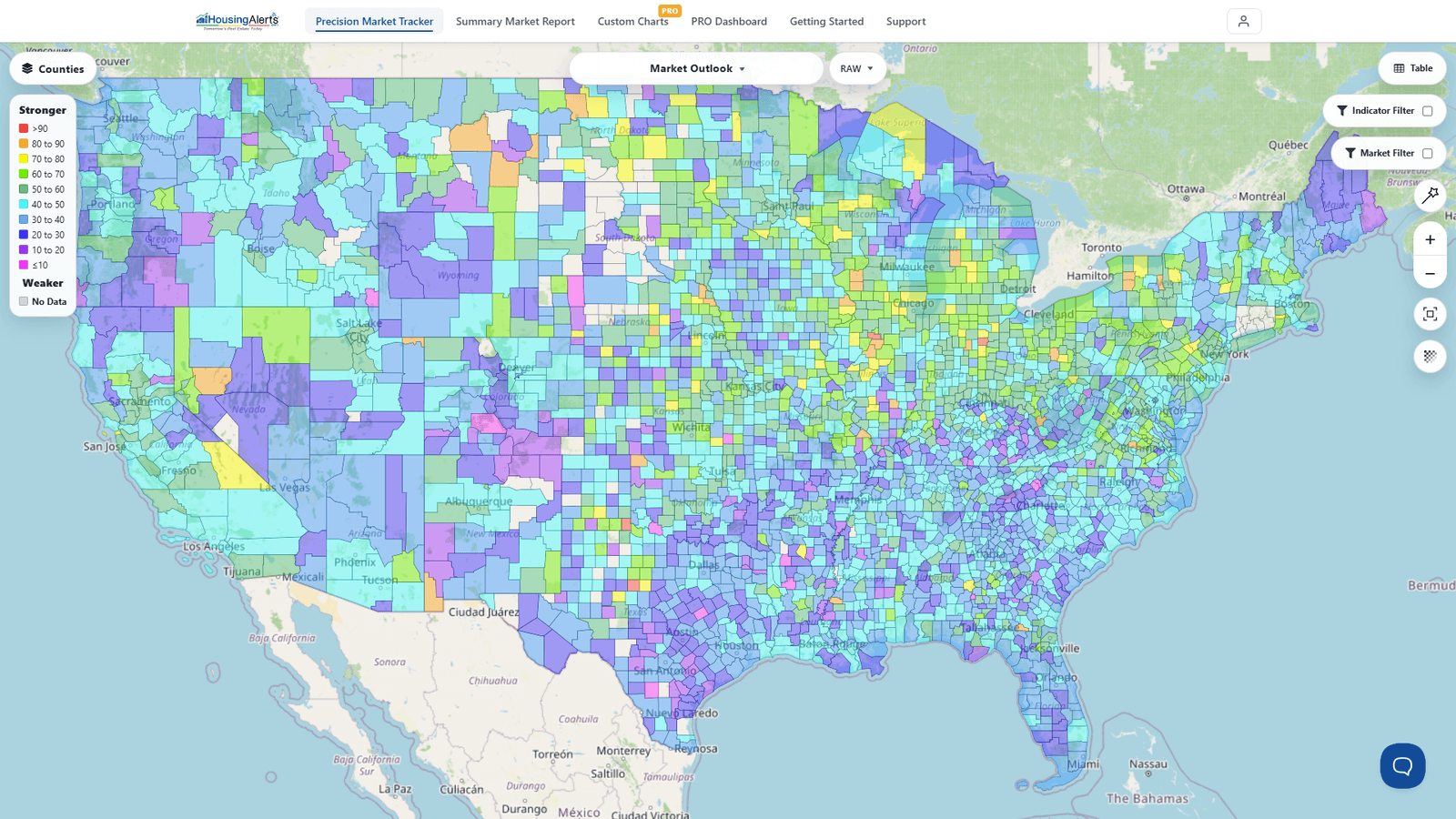
Question: Why don't the Micro and Metro Maps and indicators always look the "same" for the same market?
Answer: On the new platform there's a single Map, so you won't have two separate map tools disagreeing — but the same underlying reasons still explain why one view can look different from another for the same market:
1) You may be looking at different indicators. The old Micro Maps defaulted to Annual Home Price Appreciation – 2-yr CAGR, while the old Metro Maps defaulted to Inflation-Adjusted AHPA. Different indicator = different colors for the same place. On the new Map, always check which indicator is selected in the dataset picker (and RAW vs. PCT) before comparing two views.
2) Micro and Metro scores are calculated differently. The old "Hot Market Score" (micro) is not the same as the "Master Score" (now the Market Outlook Score, metro). Micro-market indicators are compiled from different data and algorithms.
3) Micro data lags metro data. Because micro-markets (counties, ZIPs) are much smaller, they have far fewer transactions and smaller sample sizes per period. Their indicators need longer time periods to develop, so micro results are delayed relative to the metro tools. This is most obvious when metros see big, atypical moves (like the surge in Q2 2021) — it takes time for those metro-level price "shocks" to show up in the slower-moving micro data.
The takeaway: compare like with like — same indicator, same RAW/PCT setting, and remember that ZIP/county reads trail their parent metro. Read the metro first, then the micro as confirmation.